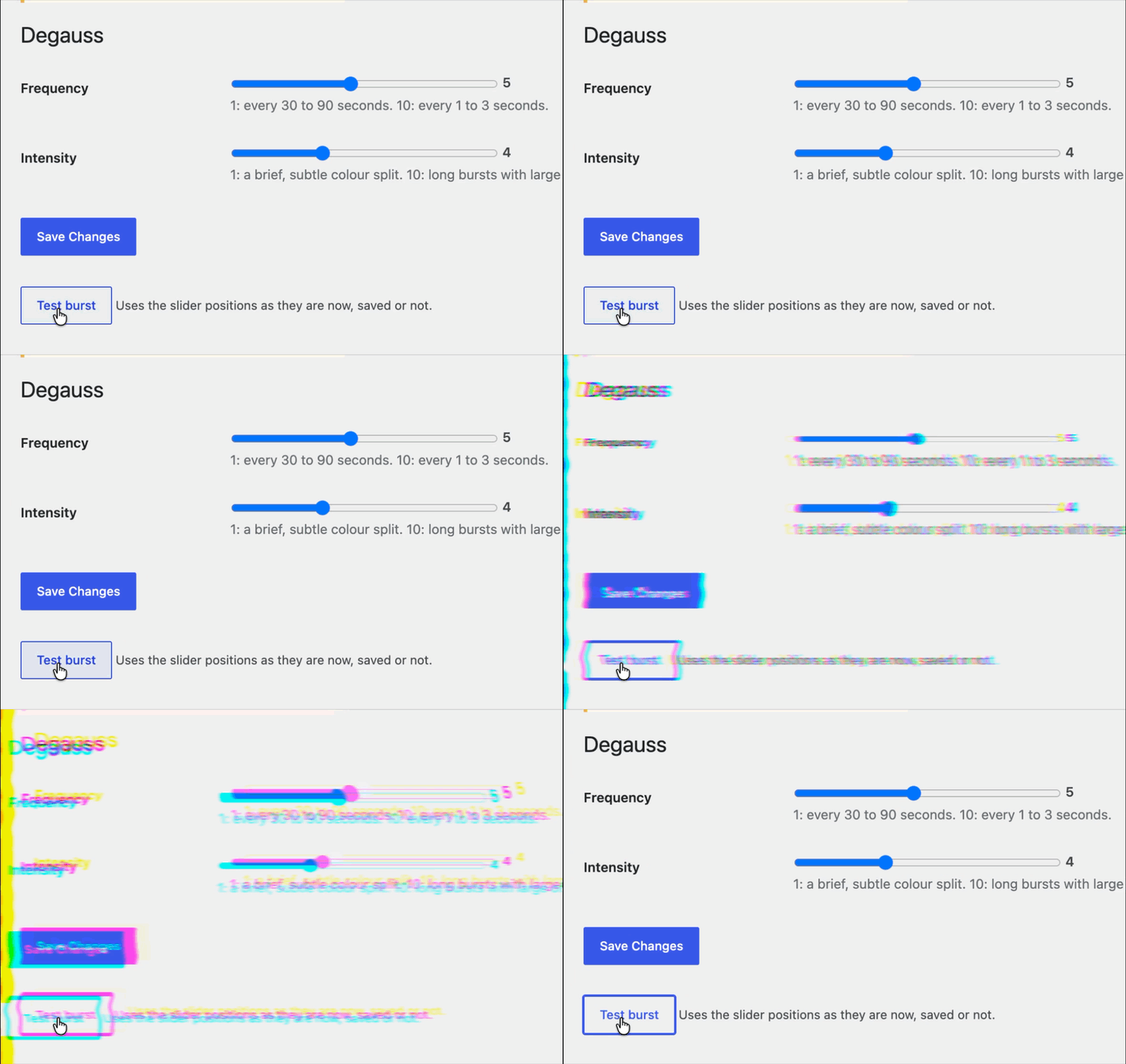
What it does
Makes a fun little glitch randomly show up on your entire website. Makes your visitors question reality for just a second.
Two settings, each from 1 to 10, control it:
- Frequency. At 1 a burst comes every 30 to 90 seconds. At 10 it comes every 1 to 3 seconds.
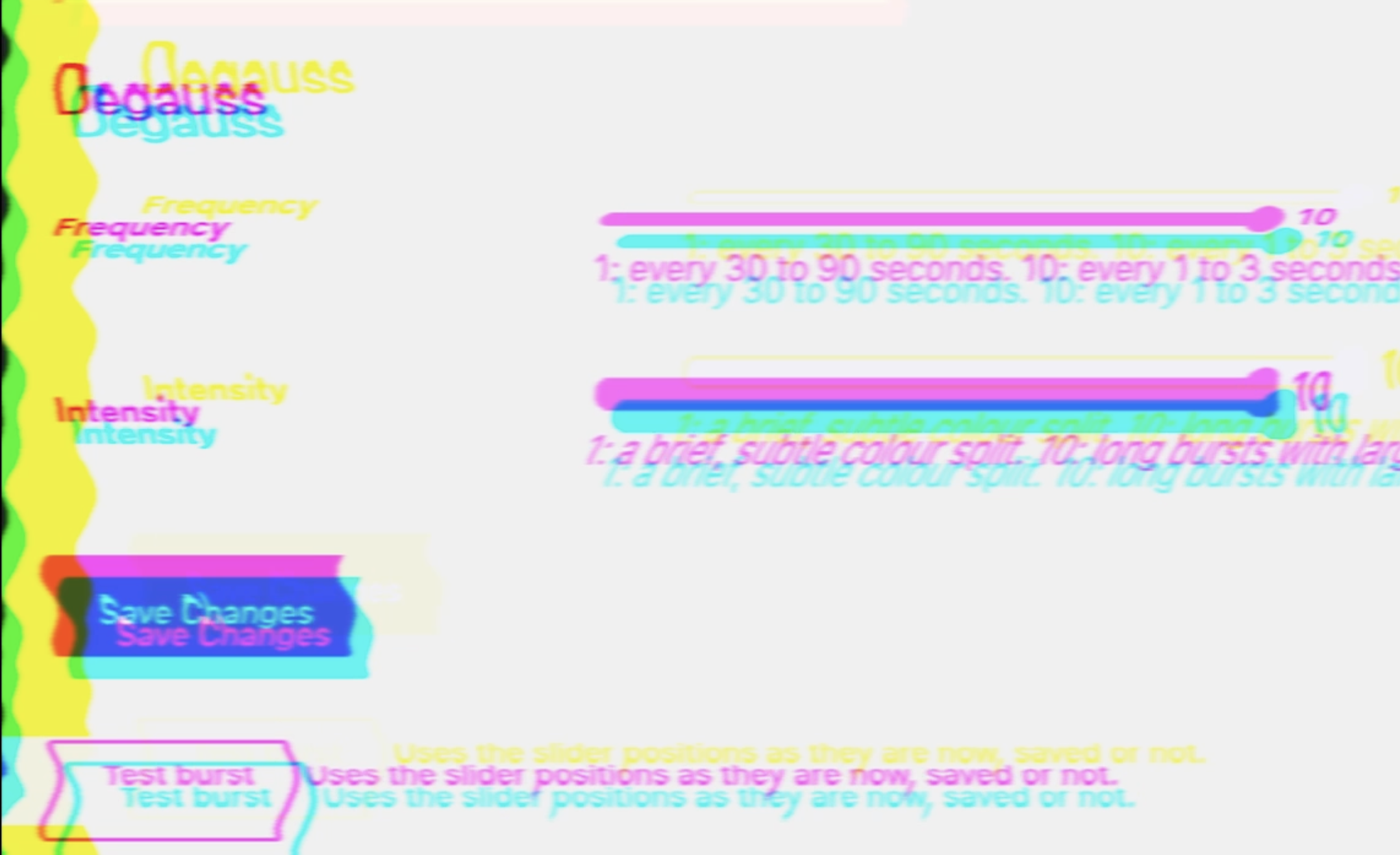
- Intensity. At 1 it is a brief, subtle colour split of a few pixels. At 10 the bursts last up to a second, the offsets grow to 40 pixels, the channels drift vertically, and smearing and line tearing join in.
Every burst is still randomised within its level.
How it works
All existing libraries either clone the DOM three times (which duplicates every ID, form and ARIA label on the page), take a screenshot with html2canvas (a static picture, and it scrolls you to the top), or lean on backdrop-filter with an SVG filter, which only Chromium supports. None of them could split live page content without side effects.
The trick that does work is an SVG filter applied to the root element. Three feColorMatrix primitives isolate the red, green and blue channels of the rendered page, two feOffset primitives nudge red and blue in opposite directions, and two screen blends add them back together. Where the channels line up, screen blending reproduces the original pixel exactly, so the only thing that changes is the colour fringing at the edges.
<filter id="degauss" color-interpolation-filters="sRGB">
  <feColorMatrix in="SourceGraphic" type="matrix" values="1 0 0 0 0  0 0 0 0 0  0 0 0 0 0  0 0 0 1 0" result="r"/>
  <feOffset in="r" dx="-4" dy="0" result="ro"/>
  <feColorMatrix in="SourceGraphic" type="matrix" values="0 0 0 0 0  0 1 0 0 0  0 0 0 0 0  0 0 0 1 0" result="g"/>
  <feColorMatrix in="SourceGraphic" type="matrix" values="0 0 0 0 0  0 0 0 0 0  0 0 1 0 0  0 0 0 1 0" result="b"/>
  <feOffset in="b" dx="4" dy="0" result="bo"/>
  <feBlend in="ro" in2="g" mode="screen" result="rg"/>
  <feBlend in="rg" in2="bo" mode="screen"/>
</filter>
The script injects that filter, adds a one-line stylesheet, and toggles a class on <html> for the length of a burst. The filter chain is rebuilt with fresh random values on every frame, so the heavier primitives (a turbulence displacement for tearing, a horizontal blur for smearing) only exist while a burst is actually using them.
html.degauss-on { filter: url(#degauss); }Using it
On WordPress, add it as a plugin and activate it, and set the two sliders under Settings > Degauss. There is a “Test burst” button on that screen that fires one using whatever the sliders are set to at the moment.
Anywhere else, it is a single script tag:
<script src="degauss.js" data-frequency="3" data-intensity="4" defer></script>The code is on GitHub at NickGreen/degauss. If you want to see it misbehave on demand, open the console on this page and run Degauss.fire().